-
شارك
-

-

-

-

تحديث 2 منذ أيام
4x6 ملصقات حرارية: تحويل ملفات الشحن إلى طرود جاهزة للمسح الضوئي
المشرف
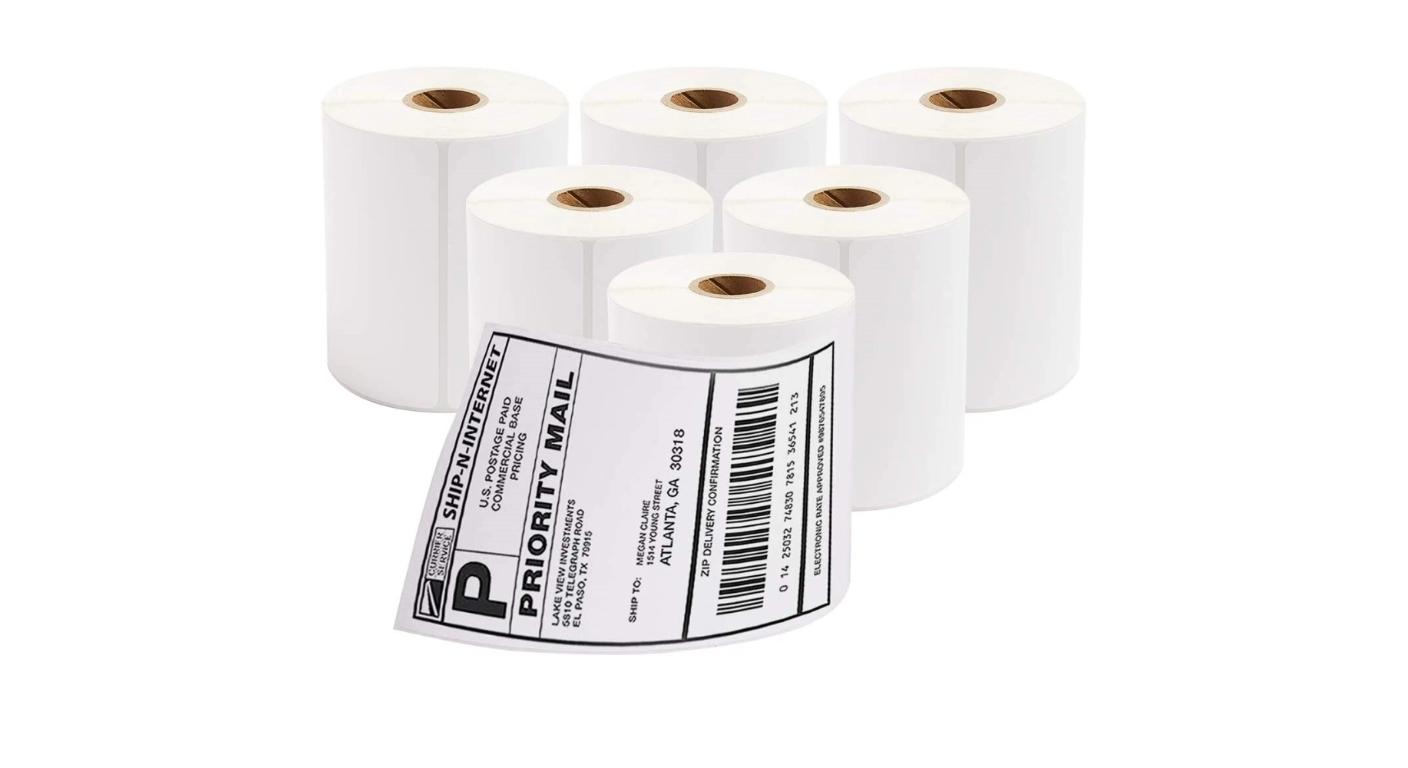
Even if a shipping label looks fine at the packing bench, it may present issues later. Almost anything can cause a nearly ready shipment to be interrupted, such as a cropped barcode, the wrong label pasted to a package, or an edge flapping up when it's being packed.
Thus, 4x6 thermal labels are a step in the parcel identification process of ecommerce sellers and fulfilment teams. This requires the combination of reliable original shipping file, printer configuration, physical label and the application method. The use of the label, from download to final scan, assists with identification of errors prior to becoming an expensive reprint or delivery exception.
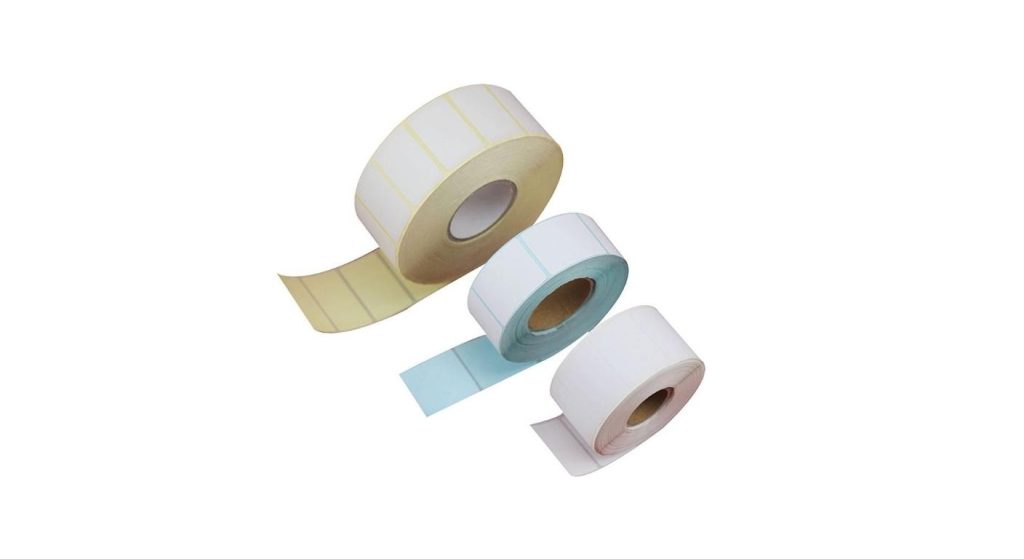
Select the correct Label & Printer combination
Labels that are described as 100 × 150 mm are approximately 4 × 6 البوصات, but not exactly 4 × 6 البوصات. Verify the dimensions you are given and select the appropriate format in the printing process.
جينباو adhesive thermal waybill label page has both sizes. Consider them as separate specifications while confirming samples and when setting up software, don't assume that the names can be swapped out.
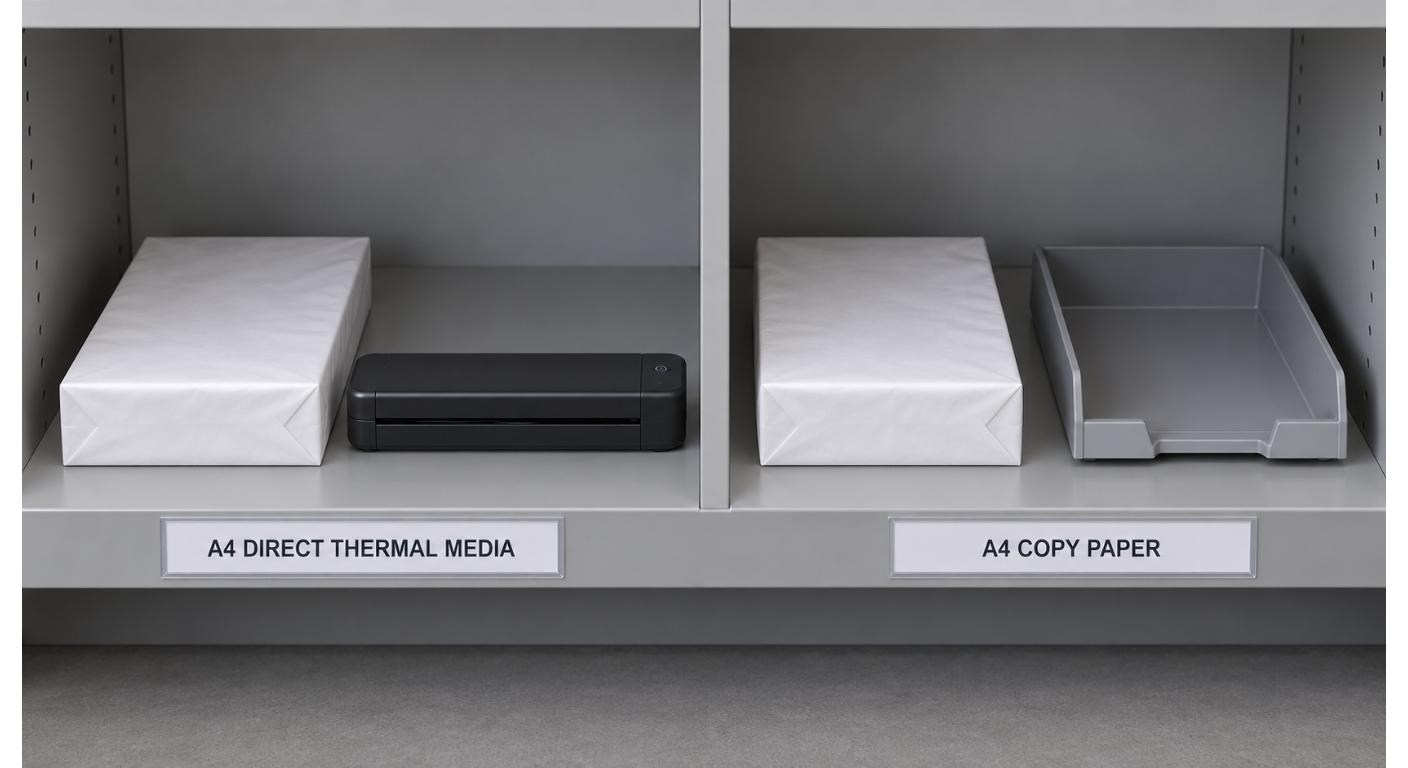
Confirm also printing technology. Direct thermal labels can be used without a ribbon but thermal transfer labels need an appropriate ribbon. Consult printer specifications and size of media to be used and any specific printer needs.
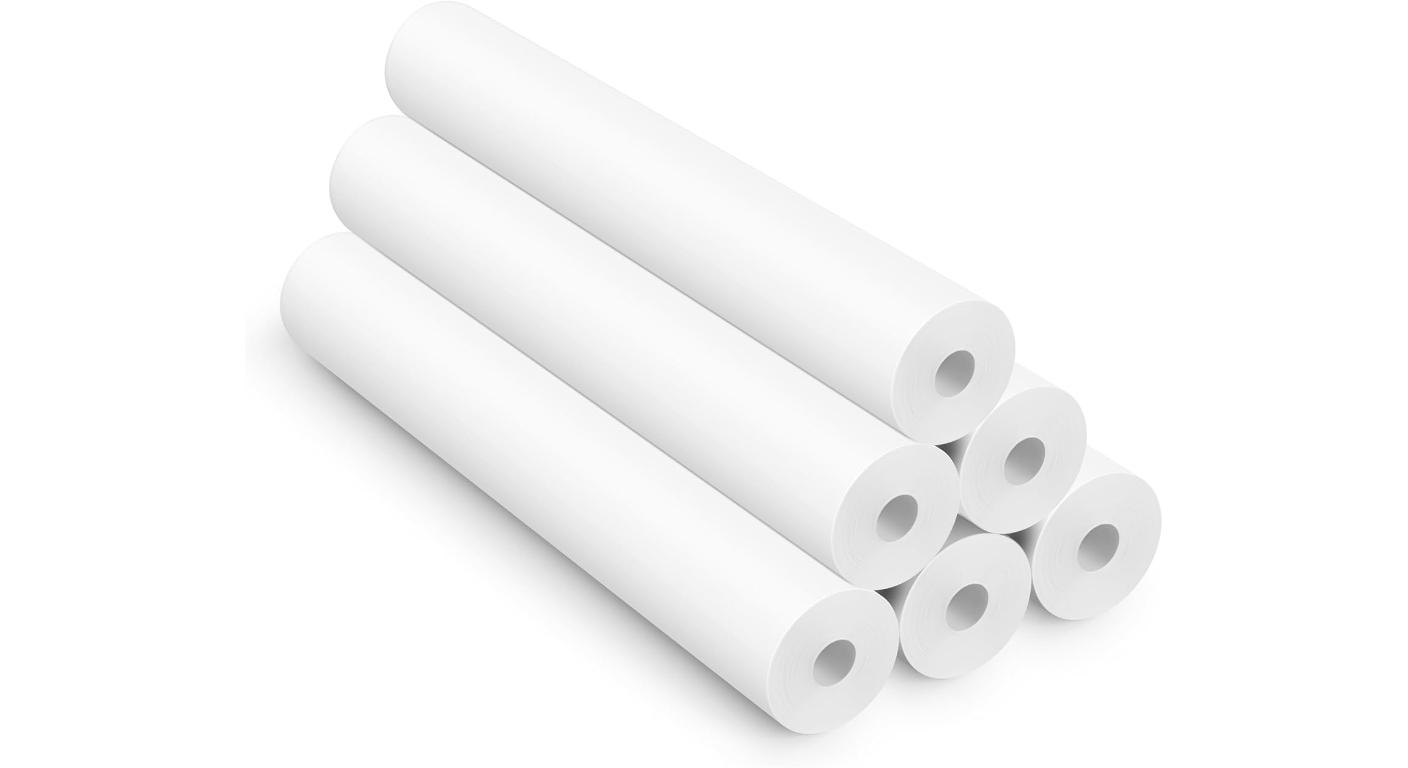
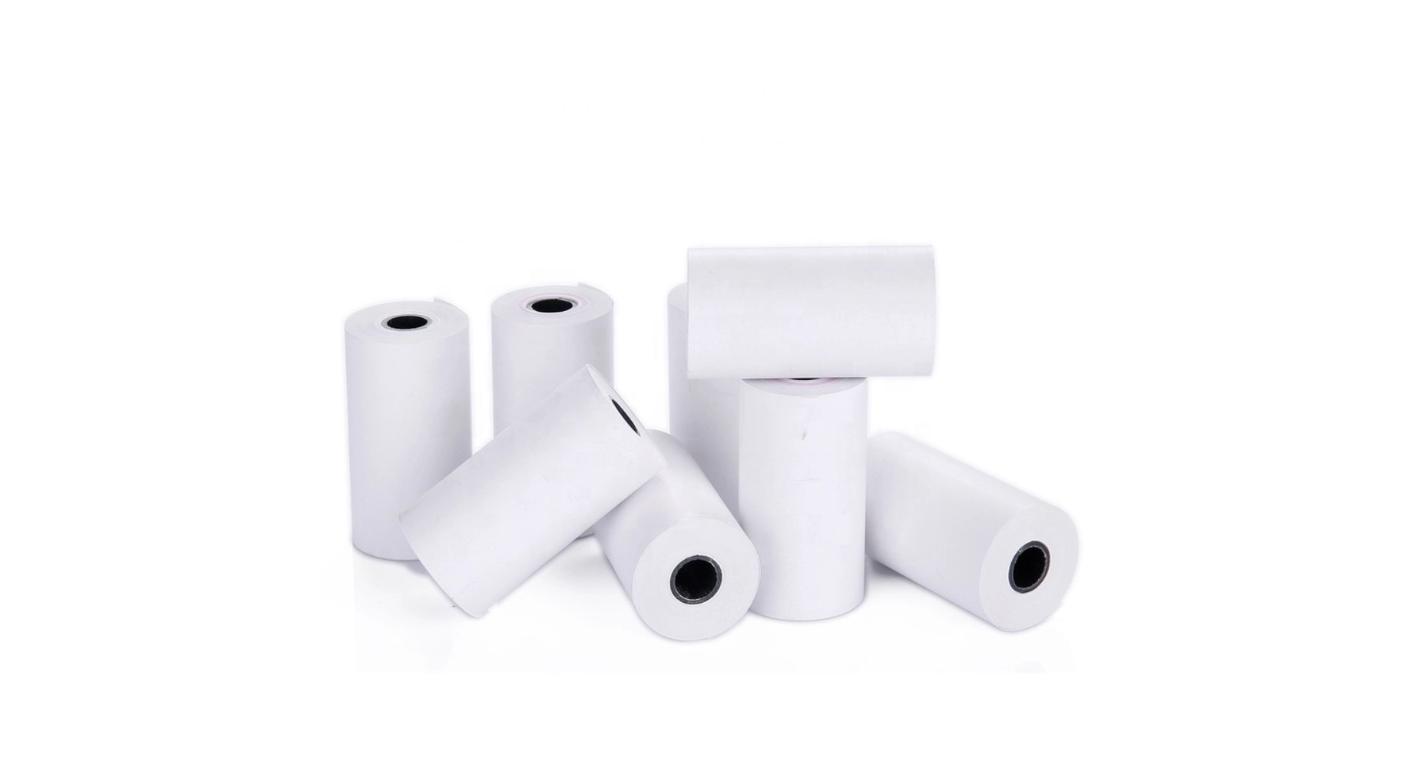
To check for rolls, check core and outside diameters. If using fanfold stock, inspect outside feed path and workspace. Don't assume that because it has the same face size it's the same physical size.
Always begin with the Shipping File, NOT a Screenshot.
If you can, select the thermal-label output of the shipping platform. A native label file will not contain margins and other unnecessary information that can occur when a desktop page format is used.
Check the downloaded file prior to printing. Ensure that the full address, routing detail and MR codes are included. If multiple labels are being exported from the platform, make sure to check the order of the labels with the orders to be packed.
Do not recreate a shipping label from a screen shot or make a picture fit on the label. These changes can cause bar code aspect ratios to change, and can result in reduced effective resolution. Take advantage of the output process of the carrier or platform that it was designed for if possible.
Make sure that the export settings are correct, or the file will be displayed incorrectly on screen. If the printer is constantly having to adapt to the unsuitable file, then an unstable equilibrium has been reached and the next order, with a different layout, can cause it to all break down.
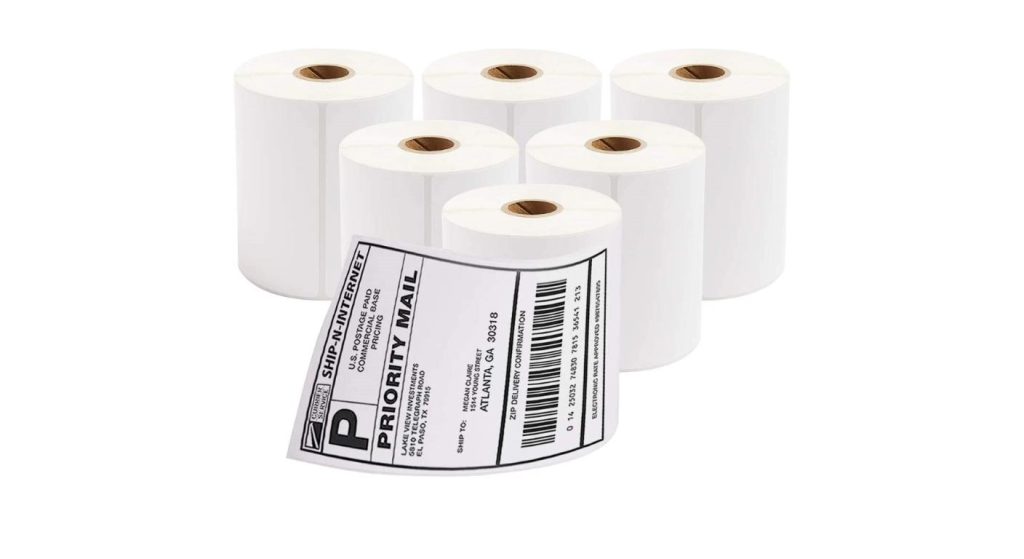
Set 1 Print to Reproduce 1 Complete Label
Configure the driver’s paper size, orientation and print method to match that of the loaded stock. Carefully check for scaling: needless fitting/shrinking or enlarging of barcodes can alter the barcode size and/or cause content to be printed outside of the printable area.
Check the media type and the sensor configuration if the printer skips labels, or begins printing at varying position. Perform the manufacturer's calibration process as necessary, especially after changing media. Calibration locates boundaries of labels, it cannot correct an improperly sized source file.
Take advantage of Jinbao's direct thermal range of labels to talk about stock appropriate for the setup, and then test the specific product that they are proposing.
Print a short sequence, rather than approving just one label. Make sure that the first and subsequent prints are in the same position. Make sure that the successful case is saved with a meaningful name and that a note is made of the printer and stock reference so that the packing station can re-create the setup.
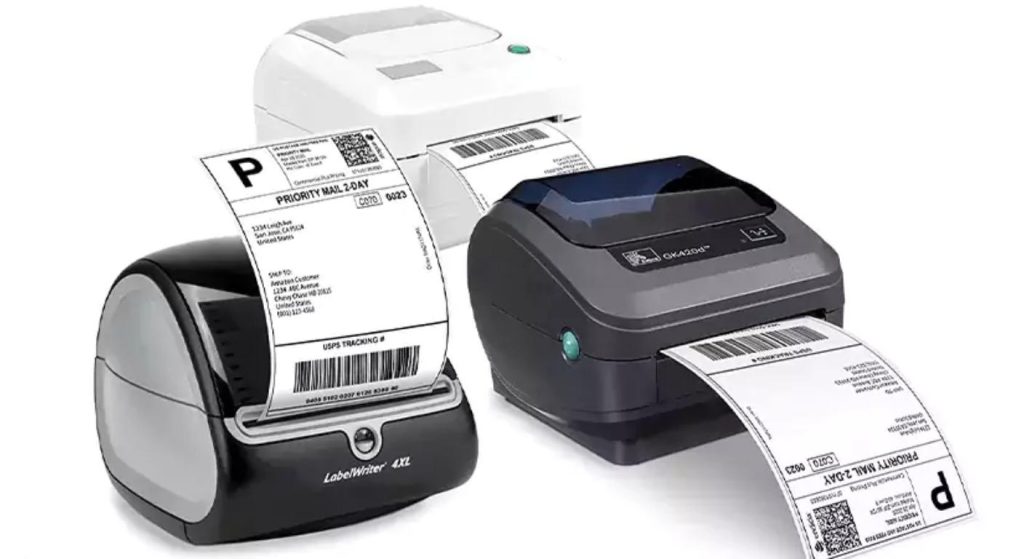
Before increasing print darkness, verify that the barcode quality is good.
Readable address text is not indicative of the quality of the barcode. Check codes for missing lines, merged elements, streaks and clipping. Be sure not to include any extra graphics or messages around the barcode on blank margins.
Set to the normal operating speed and adjust darkness as per printer manufacturer's instruction. Too dark an exposure can cause the narrow spaces of barcodes to become less prominent, and too little can result in "ضوء" or even missing elements in barcodes. Don't assume that all printhead problems are label problems - clean and check the printhead as directed in this paper.
Do a representative sample of labels with equipment used at the station. While it is good to have successful scanning performed locally, it does not mean that the same performance may be achieved for all carriers' automated networks. Adhere to any carrier/customer verification requirements.
جينباو customized direct thermal label rolls serve as a basis for talking about dimensions and constructions. If preprinting required, be sure to safeguard the layout created by the carrier and get approval of any additions prior to production.
Label the Parcel that will travel
Packing Check needs to be done prior to adding the shipping label. When they are all in the same location, be sure to match order, parcel and label, particularly if more than one like carton is open.
Select a flat surface which is appropriate for the label so that the entire label can be seen. No folds, seams or locations where the barcode wraps around an edge. Use on a clean, dry surface and follow adhesive supplier's instructions for applying adhesive with firm, even pressure.
On reused cartons, clear old shipping labels or completely cover them over with new shipping labels or information. Do not take protective tape covering a barcode for granted, follow the carrier's guidance.
Evaluate adhesion on package itself. Corrugated cartons and flexible mailers have different attributes and cold or damp surfaces add requirements. Choose the glue for both the application and trip. Moisture resistant coating claim does not provide bonding performance.

Monitor Exceptions per Cause and Control Reprints
There should be a clear action taken in the event of a failed label. Isolate file errors, feeding errors, print errors and application errors - have the team make a change in the corresponding part of the process.
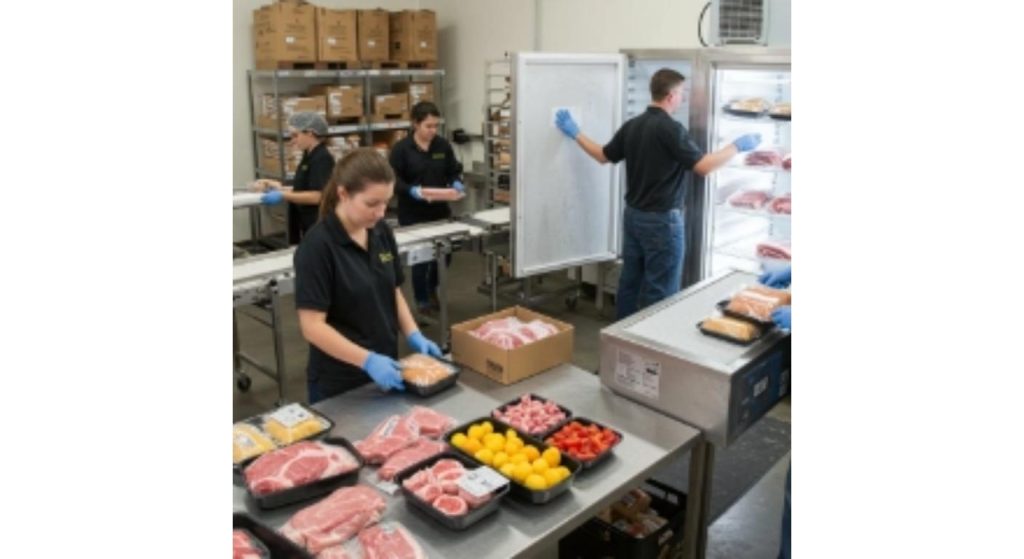
In the event of repeated failures, save a rejected sample and the order number and printer settings of the sample. Patterns may emerge when comparing evidence across shifts that would not otherwise be apparent in a general description of the evidence, على سبيل المثال, “bad labels.”
Use the shipping platform's procedure to control reprints. Verify validity of the original shipment, stop duplicate labels from getting to another parcel, and securely dispose of rejected labels.
Check the parcel to label match and examine the label prior to the dispatches handoff. Inspect for wrinkles or positioning issues after application as these may cause issues not originally found on the flat backing sheet.
When reordering products, keep the stock reference which was approved and check the new stock in the working process. Through خدمات التخصيص, discuss with Jinbao the requirements for material, adhesive and packaging. Monitor costs of discards, إعادة طباعة, and stoppages as well as purchase costs. These records will show whether or not a cheaper label in fact helps to dispatch more efficiently.
| Metric | الحساب | Example Result |
| Additional prints per shipment | 40 ÷ 2,000 × 100% | 2.0% |
| Total printed labels | 2,000 + 40 | 2,040 |
| Labels consumed per shipment | 2,040 ÷ 2,000 | 1.02 |
الخاتمة
Two-way identification of parcels can be achieved with reliable 4x6 thermal labels. Start with the right size and file and set up repeatable print and check the label after use. With teams controlling order matching and reprints, they will have a chance to correct any mistakes at the source rather than continuously replace labels.
الأسئلة الشائعة
س1. Are 4x6 and 100 × 150 mm labels identical?
لا. Four by six inches is 101.6 × 152.4 هممم. Check size provided, and set up file and printer accordingly.
س2. Are 4x6 thermal labels ribbon?
لا, direct thermal labels don't. Thermal transfer stock does, just make sure you know the material and printer mode that you're ordering.
Q3.Why does my printer skip a blank label?
This may be due to the wrong media settings, sensing issues or calibration. Do not change the artwork until the troubleshooting procedure outlined for the model has been followed.
س4. How can I get a shipping label by printing a screen shot?
Use the original label output of the platform. Barcode proportions can be altered or images can be stretched out by taking screenshots or manually resizing them.
س5. Is a successful scan sufficient to ensure that the shipment label is ready?
لا. Review parcel matching, placement, adhesion as well as full printed layout as well. Verify any requirements as per the carrier and/or customer.
سنعود إلى الداخل 24 الساعات